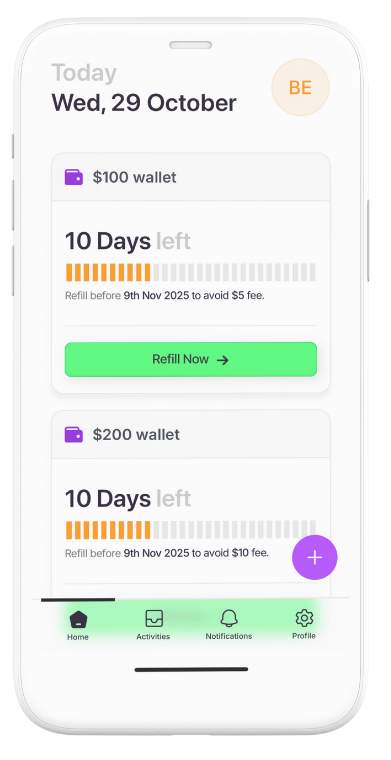
What You See in the App – Status, Activity & Transparency
Hi
Your Brolly dashboard is built to keep things transparent so you’re never guessing.
When you open the app you’ll see, in simple terms:
Your current loan status
For example: active, repaid, or overdue.Amount owing and due date
So you always know the exact number and the exact day.History of past loans (if any)
This is your story inside Brolly – when you borrowed, when you repaid.
We show this clearly because:
You deserve to know exactly where you stand.
It helps you plan and stay organised.
It reminds you that your actions build a visible track record in the community.
If anything doesn’t make sense, we’d rather you ask a question than worry quietly. Open your dashboard and check that you understand each line. If anything is confusing, hit support and ask.